
Wired internet at home: when CAT6 actually helps and when it doesn't
CAT6 cabling can eliminate Wi-Fi dropouts and future-proof your home office, but it's not always the answer. Here's when it's worth it for Melbourne homeowners.
Quick answer
Run a wired CAT6 cable from your router to your desk if you work from home regularly, if your router is more than two rooms away, or if Wi-Fi dropouts are affecting your calls. If your router sits in the same room and your connection holds steady, you probably don’t need it. Either way, in-wall cabling requires a licensed cabler — it’s not a DIY job.
Why Wi-Fi isn’t always the problem you think it is
Most Wi-Fi frustration in Melbourne homes comes down to one of three things: the router is in the wrong place, the home’s construction is blocking signal, or too many devices are sharing the same channel. Before you pull cable through the ceiling, it’s worth understanding which of those is actually happening at your place.
Older homes in suburbs like Brunswick and Coburg are often built with double brick or lath-and-plaster internal walls. Those materials absorb and scatter wireless signal far more than modern plasterboard. A router sitting in the living room can struggle to push a usable signal to a back bedroom, even in a modest-sized house. That’s not a Wi-Fi standard problem — it’s physics.
Newer homes are usually better for wireless coverage in theory, but they’re also more likely to have multiple adults working from home on multiple video calls at once, which puts a different kind of load on the network.
The point is: CAT6 cabling is a solution to a specific problem. That problem is “my devices can’t get a reliable, fast connection where I need them.” If your situation fits that description, cabled infrastructure solves it completely. If it doesn’t, you might get the same outcome from repositioning your router or adding a good-quality wireless access point.
Where the NBN handover matters
Here’s something that catches a lot of homeowners out. The NBN technician installs the connection point — the Network Termination Device (NTD) or pit — where NBN Co decides, not where you’d put it. That’s often near the front door, beside the meter box, or in a utility cupboard.
Your router has to connect to that handover point. Then your devices connect to the router. If your home office is at the back of the house and the NBN handover is at the front, every wireless signal your laptop receives has already crossed the full length of the building.
A single cabled run from the NTD location through to a patch panel or a wall socket near your desk changes that completely. Your laptop gets a direct, interference-free connection. No bouncing signal, no competing with the smart TV in the next room.
This is also where the difference between a single-point setup and a multi-point setup becomes relevant. A single-point install puts one data point where you need it most — your desk. A multi-point install runs cable to several rooms, sometimes with a patch panel in a central location like the hallway cupboard, and lets you put a wired device (or a hardwired wireless access point) anywhere in the house. Multi-point is more disruptive and involved to install, but for a household where multiple people work from home, it’s the version that actually solves the problem at scale.
What CAT6 actually gives you over Wi-Fi
Wired CAT6 gives you three things that Wi-Fi can’t reliably match: consistency, latency, and throughput under load.
Consistency means your video call doesn’t stutter when someone else starts streaming. The cable doesn’t compete with neighbouring networks or interfere with your microwave. It just works, the same way every time.
Latency on a wired connection is lower and more predictable than wireless, which matters more than raw speed for real-time tasks — video calls, VoIP, anything where a 50ms spike makes someone’s voice break up mid-sentence.
Throughput under load means that when three people in your house are doing data-heavy things at the same time, each wired connection gets its allocation without fighting for airtime.
CAT6 cable supports 1 Gbps at runs up to 100 metres, and 10 Gbps at shorter runs under about 55 metres. For a home office run, you’re almost certainly well inside that range. CAT5e is still serviceable — it’s what a lot of existing Melbourne installs run — but if you’re putting in fresh cable today, CAT6 is the sensible baseline. The marginal difference in material is small; the future-proofing is worth it.
For residential electrical and cabling work, a good sparky will talk you through what cable grade makes sense given your run lengths and what you’re trying to achieve.
What this has to do with an electrician
Data cabling and electrical work overlap in a few ways that are worth understanding.
First, the cabling itself: running cables inside walls, through ceiling cavities, or terminating them in wall plates and patch panels is structured cabling work. In Australia, that work must be done by someone registered as a cabler with the Australian Communications and Media Authority (ACMA). It’s a specific licence, separate from electrical.
Yiannis holds both an electrical contractor registration (REC 28523, on the Energy Safe Victoria public register) and the structured cabling registration that covers this work — so there’s one point of contact for the whole job, and a Certificate of Electrical Safety is issued for any electrical elements involved.
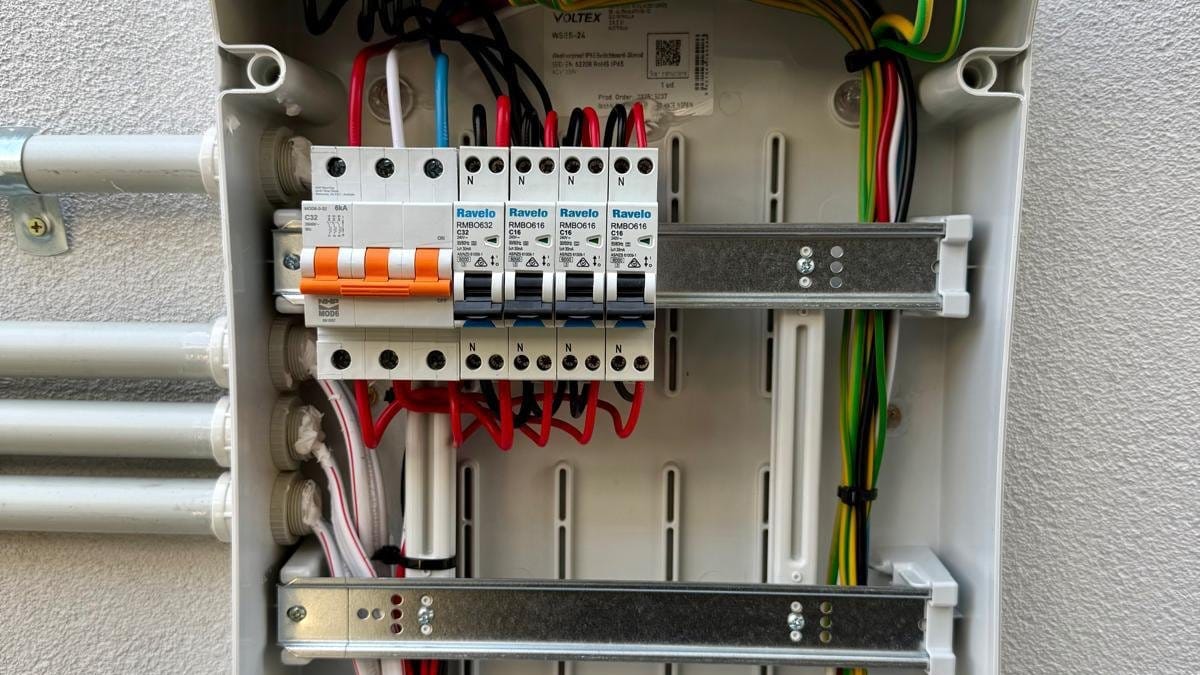
Second, power: if your setup includes a PoE (Power over Ethernet) switch, a network rack, a UPS, or dedicated GPOs for your patch panel, that’s electrical work under AS/NZS 3000. A licensed electrician needs to install any new power circuits, and Energy Safe Victoria requires a Certificate of Electrical Safety for that work.
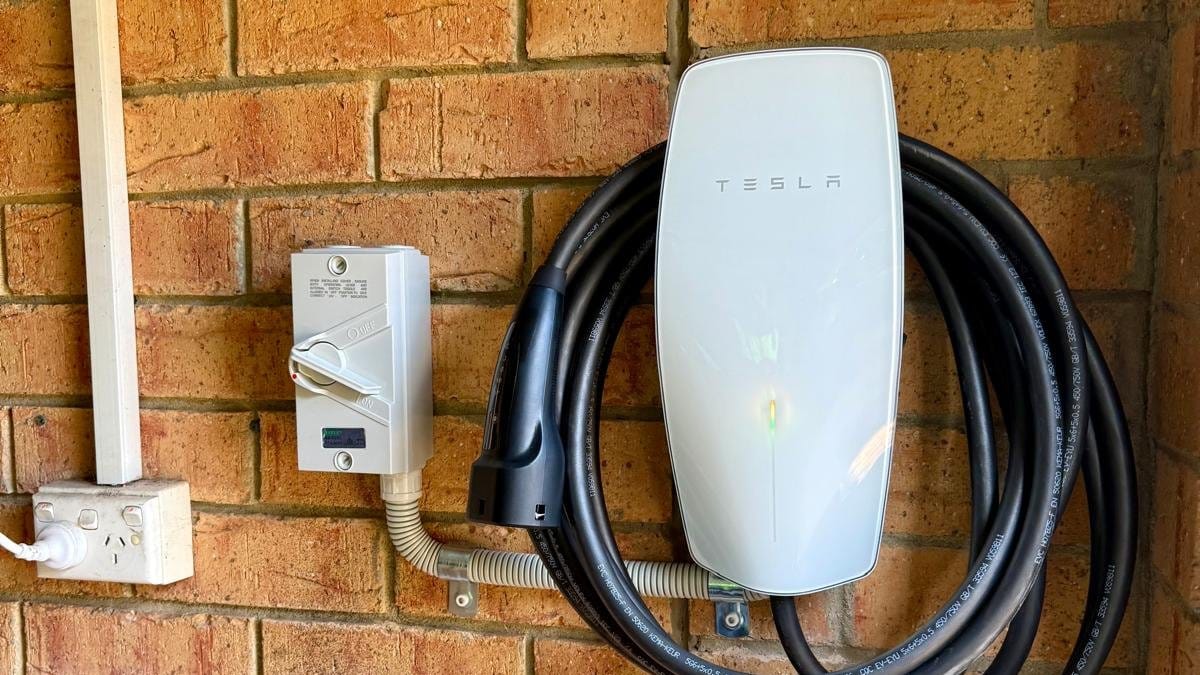
Third — and this is increasingly relevant in Melbourne — if you’re planning an EV charger at the same time as data cabling, it makes logistical sense to combine the jobs. The walls and ceiling space that get opened for a cabling run are the same spaces the power circuit for a charger needs to travel through. Doing them together reduces the disruption, which matters when you’re living in the house.
Future-proofing: what’s worth planning for now
A few things are worth thinking about at the planning stage, because retrofitting them later is more disruptive than getting them in during an initial install.
Conduit in walls. If you’re doing a renovation anyway, ask about putting conduit in the wall cavities even where you don’t need cable immediately. Adding a cable to a conduit later is simple. Chasing a new path through a plastered wall is not.
Wireless access points on cable. Mesh Wi-Fi systems work well in many homes, but a hardwired access point — CAT6 run to a wall plate, access point mounted on the ceiling — gives you far better performance and removes the wireless backhaul lag that mesh systems introduce between nodes. If you’re doing a multi-point cabling job, leaving one or two ports in ceiling locations costs relatively little extra and gives you excellent Wi-Fi coverage without relying on the wireless network to carry itself.
EV charging telematics. Some EV chargers use a home network connection for smart charging features — scheduling off-peak charging, monitoring energy use, receiving firmware updates. That connection can be wireless, but a wired network drop near your charger location means one less variable if wireless coverage in the garage or carport is patchy.
None of these need to be done on day one. But knowing what you might want in two or three years is worth a five-minute conversation before the job starts, because leaving a pull string or a spare conduit run during the initial install is trivial. Coming back later to add it is not.
What to do next
If your home office setup is frustrating you, start by noting exactly what the problem is: is it speed, or is it that calls drop and reconnect? Is it one room, or the whole house? That answer shapes whether you need a single cable run, a multi-point install, or something else entirely.
If you’re in Greater Melbourne and want someone to take a look, Yiannis can assess your home’s layout, the NBN handover location, and what cabling makes sense for how you actually work. No guesswork, no overselling — just a straight answer.
Give Yiannis a call on 0434 254 474 or send a quick message for a free quote.
Sources
Common questions
Is CAT6 cabling worth it for a home office?
If you rely on video calls, large file transfers, or a VPN, a wired CAT6 connection is noticeably more stable than Wi-Fi in most Melbourne homes. Whether it's worth the install depends on your layout, your NBN connection type, and how many devices you're running.
Can I run data cabling myself in Australia?
You can plug in a patch cable between a wall port and your computer — that's fine. But running cables inside walls, through the ceiling, or terminating them in a patch panel is structured cabling work. In Victoria, that work must be done by a licensed cabler registered with the ACMA. Running power alongside or for PoE switches also involves a licensed electrician.
Where does the NBN hand off in my home, and why does it matter?
The NBN Network Termination Device (NTD) or connection point is usually installed near your front door, meter box, or in a utility area chosen by the NBN Co installer. Your router plugs into that point. If your home office is at the opposite end of the house, you're either relying on Wi-Fi to cover that distance or you need a cabled run from the NTD location to your workspace.
What's the difference between CAT5e and CAT6?
CAT5e supports up to 1 Gbps at 100 metres and is still common in older Melbourne installs. CAT6 supports 1 Gbps at the same distance with less crosstalk, and 10 Gbps up to about 55 metres under ideal conditions. For a home office run under 30 metres, CAT6 is the sensible choice for any install done today.
Will data cabling work with my NBN connection type?
Yes — cabled data points work regardless of whether your NBN comes in via FTTP, FTTN, FTTC, or HFC. The cable run is between your router and your devices, not between your home and the street. Your connection type affects your maximum internet speed; your internal cabling affects how reliably each device gets its share of it.
Can I add EV charger wiring at the same time as data cabling?
It makes sense to plan both together, because a licensed electrician needs to run the power circuit for an EV charger anyway. If you're having structured cabling done at the same time, the walls and ceiling space are already being accessed — combining the jobs reduces disruption and can be more efficient overall.

The owner does your job
You'll get Yiannis — not a subcontractor.
Book Thunderman and the licensed electrician who quotes your job is the one who does it — and stands behind it afterwards. REC 28523, ARCtick certified, public liability insured, rated 4.9★ across 53 Google reviews.
More from the Journal
Got a follow-up question? Just call.
Free quotes across Greater Melbourne — Yiannis answers personally.