
What drives the cost of smart-home wiring in a Melbourne home
Six factors that move a Melbourne smart-home wiring quote — Cat6 backbone, protocol choice, new-build vs retrofit, lighting zones and sub-board.
Quick answer
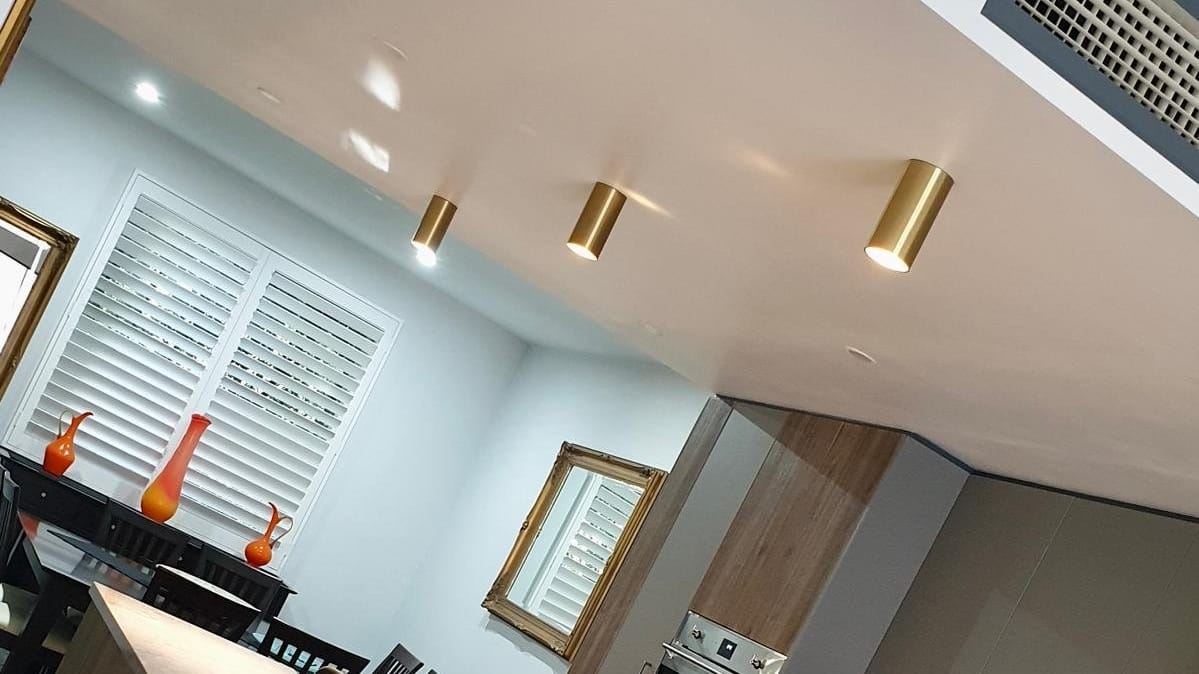
A smart-home wiring quote in a Melbourne home rides on six things, and no two houses land in the same spot. How much Cat6 backbone the job really needs, set by the number of wall plates and devices it terminates. Whether you’re wiring a new-build before the plasterers turn up or chasing cable through a finished home. Which protocol you pick: KNX, C-Bus, WiFi-mesh, or a mix of them. How many lighting zones you want under control. Where the smart-home gear lives, beside the main switchboard or off on its own. And how much commissioning the chosen protocol drags behind it. There’s no honest way to nail those down from the kerb, which is why the number comes out of a walk-through and a written quote rather than a phone guess. For a Greater Melbourne smart-home job, the Thunderman specialty page covers the scope and the residential pillar sets the broader electrical context.
Factor 1: how much Cat6 backbone the system actually needs
This is the line item that moves the most. Walk the house, count the wall plates the system terminates, and you’ve roughly got your cable count. A modest setup — seven or eight lighting zones, motorised blinds in a couple of rooms, a network switch in the study — usually lands on fifteen or twenty Cat6 runs back to one distribution panel. Go whole-house, with KNX or C-Bus on every lighting circuit, multi-room audio, integrated security and a home-network rack, and you’re suddenly pulling fifty or sixty individual runs. Every one of those is cable, time on a ladder, and a termination at both ends. The pulls are where the hours go.
Factor 2: new-build pre-plaster versus retrofit
Timing is the difference here, and it’s a big one. Catch a new-build before the plaster goes up and the runs are open, the wall-plate positions are locked in the design, and the smart-home panel slots straight into the switchboard scope. You drop cable down clean stud bays and walk away. A retrofit through a finished home is a different animal: every run threads through the ceiling space and down internal cavities, every wall plate needs an access cut and a make-good afterwards, and a single end-to-end run can swallow three or four times the labour the same pull takes pre-plaster. Both are doable. I’ve wired plenty of older Melbourne homes after the fact. But if you’ve got a renovation coming, getting the cabling in while the walls are open will save you a stack of labour later.
Factor 3: KNX, C-Bus or WiFi-mesh
Pick this first, because it decides how the whole house gets wired. KNX and C-Bus are hard-wired bus systems: a dedicated backbone cable daisy-chained to every actuator and switch, brought home to a panel that holds the bus power supply and the controllers. WiFi-mesh kit — Hue, Lutron, Aqara and the like — leans on the household network instead, so it wants far less bespoke cable: Cat6 to the rack, then the devices run off standard power points or batteries. The catch is that switching protocols down the track means tearing wiring back out, so it’s worth getting right the first time. The real question I put to people on the walk-through is what they want this house doing in five years, then we pick the protocol that gets there.
Factor 4: lighting zoning
Every lighting circuit you bring under control needs its own actuator — a DIN-rail relay or dimmer on KNX and C-Bus, a smart switch on WiFi-mesh — plus the programming behind it. Run two zones per room across twelve rooms and you’re looking at a thirty-zone install, and each zone is a part to buy and a circuit to wire and commission. The conversation worth having is how many zones you’ll actually use, not how many a glossy brochure says you could have. Plenty of homes get most of the benefit from controlling the living areas, the kitchen and the outdoor lights, and leave the spare-room downlight on a plain switch.
Factor 5: smart-home distribution panel and switchboard scope
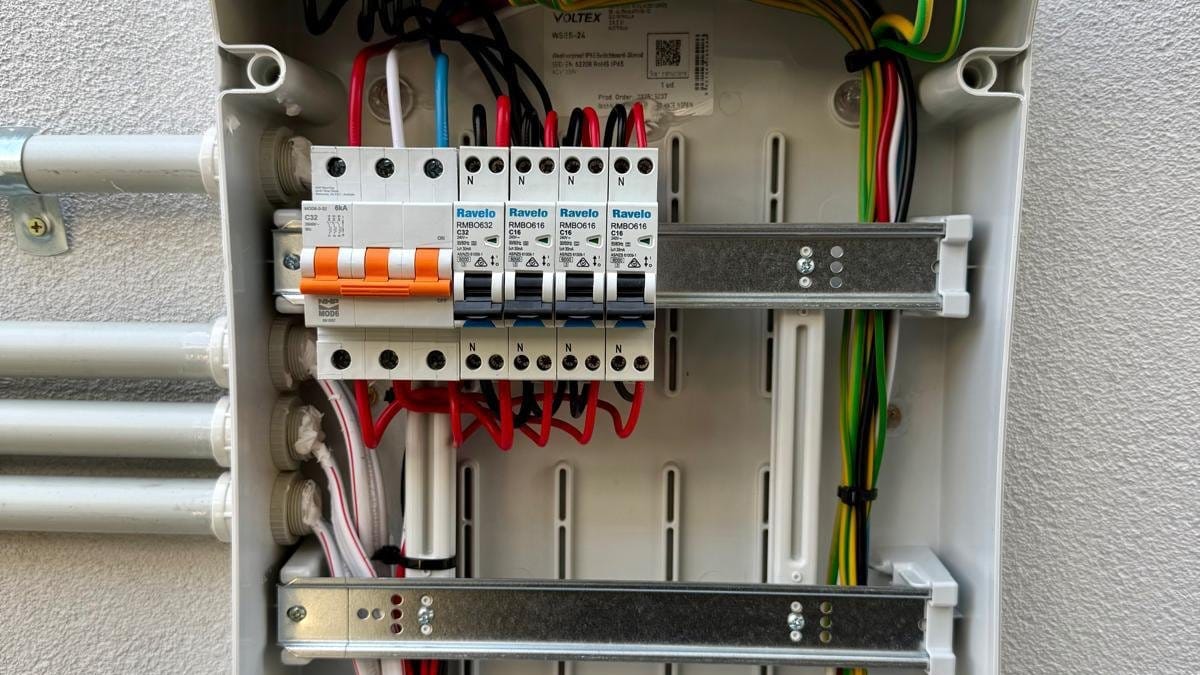
A whole-house system piles on DIN-rail gear — bus power supplies, controllers, network switches, actuators — and none of it belongs crammed inside a residential consumer switchboard. A separate sub-board alongside the main board keeps the kit serviceable, keeps the AS/NZS 3000 switchboard layout tidy, and keeps the labelling honest for whoever opens it next. That sub-board is a real enclosure, sized to its DIN-rail spots, fed from the main board on a cable rated for the combined load. And here’s a snag worth flagging early: on a 1970s home still running a ceramic fuse board in Craigieburn or anywhere along the northern corridor, that old board often has to come out before the smart-home sub-board can go in. The switchboard upgrade cost-driver post digs into that side of it.
Factor 6: protocol-specific commissioning labour
Once the cable’s in, the system still has to be made to work, and that’s a separate day on the tools. KNX is commissioned through ETS software: every device programmed, group addresses configured, each actuator tested by hand. C-Bus runs much the same way through the Clipsal toolkit. WiFi-mesh is quicker to bring online because the devices auto-discover on the network, but the scenes and automations are their own fiddly hours. Nothing here is a flick-the-switch job. Budget for a proper commissioning day after the wiring’s done, whatever protocol you land on.
What the walk-through and quote cover
When I come out to quote a smart-home job, we walk the house together, settle the wall-plate spots and the lighting zones, lock in the protocol, map out the Cat6 backbone, size the sub-board, and flag any switchboard work that has to happen first. On the certified mains-side work I lodge the Certificate of Electrical Safety with Energy Safe Victoria. The walk-through takes around forty-five minutes and the written quote comes back same day or the next. Want one for a Greater Melbourne smart-home install? The Thunderman specialty page covers the scope, or ring the job through to the licensed sparky doing it, REC 28523.
Sources
- AS/NZS 3000:2018 — Wiring rules (residential cabling)
- Energy Safe Victoria — household wiring and licensed electrical work
- KNX (ISO/IEC 14543-3) — building automation standard
Common questions
Is a smart-home install easier on a new-build or a retrofit?
Substantially easier on a new-build. Pre-plaster is the cleanest time to pull Cat6 backbone, conduit and lighting feeds — the cable runs are visible, the wall plates are decided, and the smart-home distribution panel is built into the switchboard scope from day one. Retrofit on an existing finished home is still a real option, but the cable-routing labour climbs significantly because every run has to go through ceiling space and down internal cavities.
Do I have to choose KNX, C-Bus or WiFi-mesh up front?
Yes — and the choice changes the wiring fundamentally. KNX and C-Bus are hard-wired protocols with their own backbone cable — you have to install the bus topology at rough-in. WiFi-mesh smart-home systems run over the Cat6 and the household WiFi and need substantially less bespoke wiring. The honest comparison at the site walk is: what do you want the system to do in five years' time, and which protocol best matches that intent.
Why do I need a smart-home distribution panel separate from the main switchboard?
A smart-home install typically adds multiple DIN-rail components (KNX power supplies, C-Bus controllers, network switches, lighting actuators) that don't belong inside a residential consumer switchboard. A separate sub-board next to the main board keeps the smart-home equipment serviceable, the AS/NZS 3000 switchboard layout clean, and the labelling unambiguous for any sparky who comes in later.
Can I run the smart-home wiring myself and just have the sparky terminate?
No. AS/NZS 3000 requires fixed electrical wiring in residential premises to be installed by a licensed electrician — and that includes the smart-home cabling that carries mains-side power, the actuator feeds to lighting circuits and any mains-side DIN-rail equipment. The data-side Cat6 backbone can technically be DIY but in practice doing the data cabling separately doubles the labour cost and complicates the warranty conversation. A single licensed install is the cleaner answer.
What is the difference between KNX and C-Bus in plain language?
Both are mature European-origin wired smart-home protocols and both have a substantial Australian installed base. KNX is the broader open standard with more competing manufacturers and a wider device catalogue. C-Bus is the Clipsal-and-Schneider system that's been deployed across Australian residential and commercial fit-out since the 1990s — heavily supported in Victoria, lots of installed-base knowledge in the local trade. The cost differences come from the device cost and the protocol-specific commissioning labour.
The owner does your job
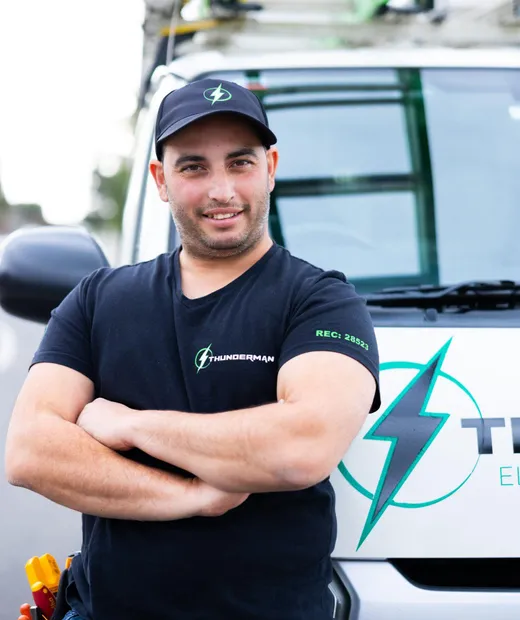
You'll get Yiannis — not a subcontractor.
Book Thunderman and the licensed electrician who quotes your job is the one who does it — and stands behind it afterwards. REC 28523, ARCtick certified, fully insured, rated 4.9★ across 53 Google reviews.
More from the Journal
Got a follow-up question? Just call.
Free quotes across Greater Melbourne — Yiannis answers personally.